
Natural Account Sets describe the "core" account codes that form the basis for much of the reporting, revaluation and adjustments within a company. By default, a Local Natural Account set will exist in all companies set up in the Mondial accounting hub and all transactions entered/loaded into Mondial MUST balance at this level. They will align with the natural accounts established in an organization's ERP general ledger.
Within Mondial CRx, additional natural account sets can also be created. In turn, these can be associated with Alternate Accounts Sets. An Alternate Account Set can be used to align an individual company's natural account set with either a regulatory account set or perhaps a group account set. This process of linking the natural account set with alternate account sets allows an organization to report company data using any of the natural account sets that have been established. In this way, reports can be built for local reporting requirements, regulatory reporting and parent company "group format" reporting.
To summarize by way of an example:
A subsidiary company within a parent controlling group is required to report its data using a prescribed group chart format. The steps to effect this in Mondial CRx would be:
- Create an alternate account set from the Enterprise Set Up, Alternate Account Sets option. (details of how to do this can be found here).
- In the individual subsidiary, in Companies, Resources, add a new Natural account set and link it to the alternate account set. This process is described below.
- In Companies, Resources, Chart of Accounts, map the individual local account codes to the appropriate alternate accounts codes. This is described in detail in this article.
The Natural Account Set up page is available under the resources segment of the companies segment.
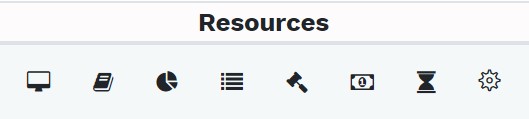
Its specific icon is the second from the left as shown below:

Click on the icon to access the Natural Account Set page which is shown below. The page below contains some of the pre-defined account sets.
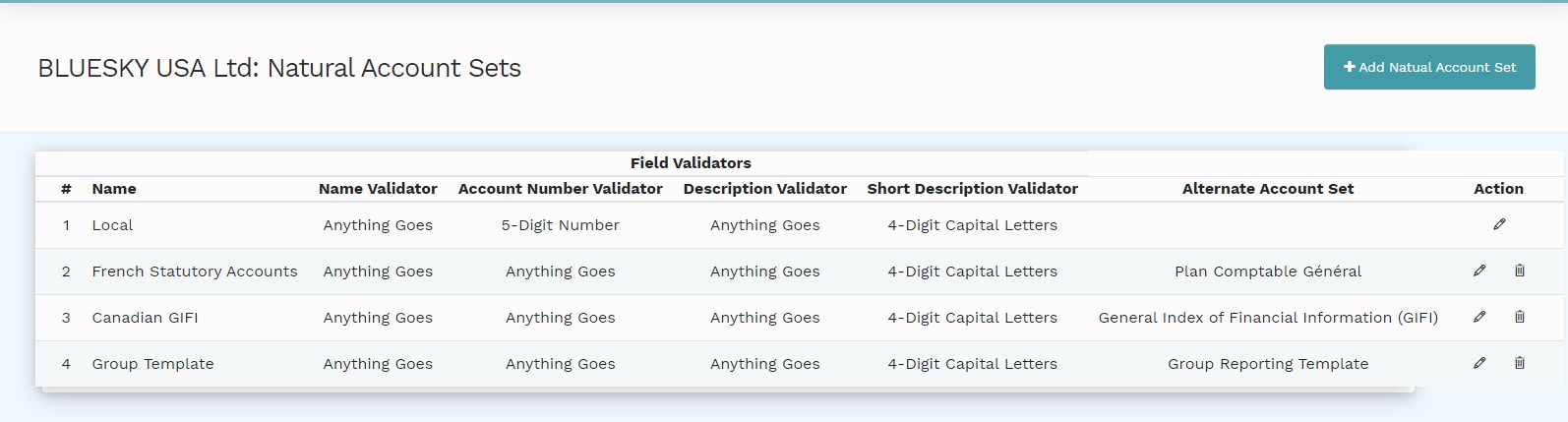
To add a new account set, click on the "Add Natural Account Set" text box on the top right part of the page. The following setup page will be presented:
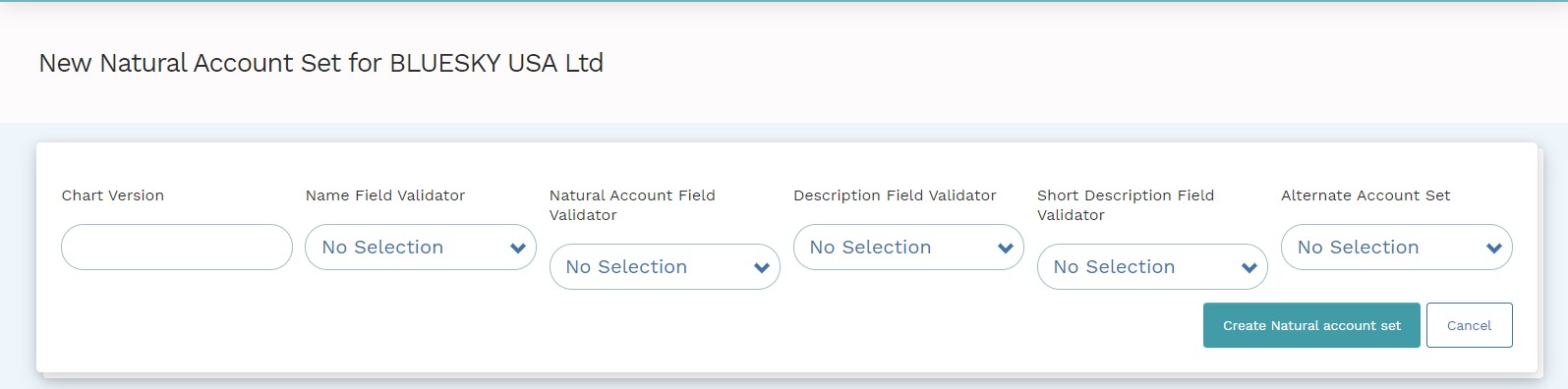
This is a data entry page that defines the version of the new account set. Therefore, the entry here would be the name of the statutory, regulatory or local chart version for example; Mexican GAAP, French Statutory Accounts and so forth.
The Name Field Validator, Natural Account Field Validator, Description Field Validator and Short Description Field Validator are dropdowns that will present the list of the field validators which are created within the company. The set-up process of Field Validators is shown in this article.
The Alternate Accounts Set drop-down on the far right part of the screen presents a number of alternate account sets that can be associated with the new Natural Account Set. The accounts which are available in the drop-down are set up in the Alternate Accounts Sets page; as explained in this article.
Once all the parameters have been defined, select "create natural account set" and the new natural account set will be created.
Comments
0 comments
Please sign in to leave a comment.