
In certain fields within Mondial CRx, there are controls over the format of the data that can be entered. Field validation ensures that data entered into a specific field is entered using the correct character set - alphabetic, numeric and alphanumeric.
Field Validation is applied when defining different aspects of the Natural Accounts Sets, such as the account number, the account name and the account description.
The field validators which are set up herein are available as in the drop-down field of the Natural Account Sets, setup page.
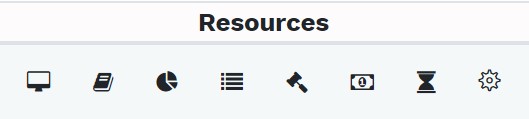
The field validator creation and customization page is available under the resources column shown above.
Its icon for the field validator is shown below:

Click on the icon to be redirected to the field validator set-up and customization page.
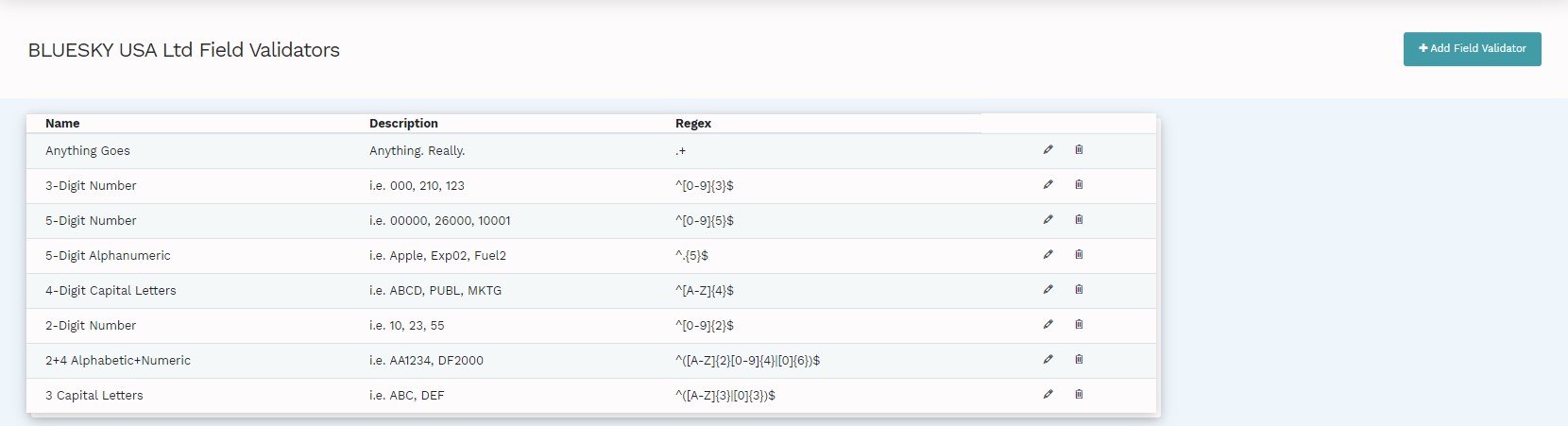
The field validator page contains the pre-defined field validators, with the option to edit and delete each field validator:
To add a new field validator, click on "Add Field Validator" and the following page will be presented:
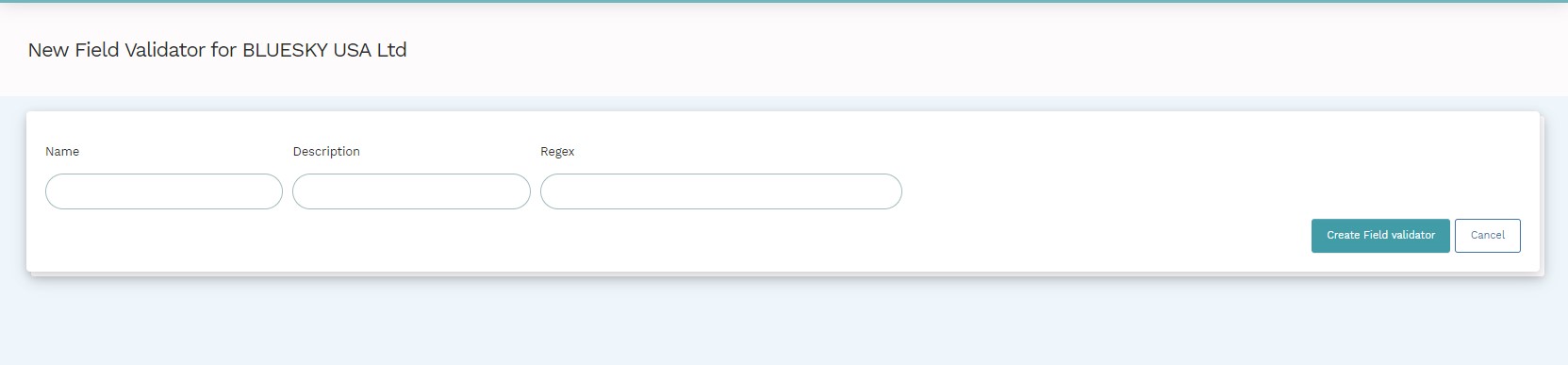
The Name and Description fields identify and define the new field validator.
Regex is the short form for Regular Expressions; this is a relatively small programming language embedded in Java that is used for describing and parsing data. You can add, remove, isolate, fold and mutilate data.
In Mondial CRx, regex expressions are used in field validators to create the parameters of describing the natural accounts sets to either numeric, alphabetic or alphanumeric - depending on the code which is entered in the Regex field.
This website provides some examples of regex codes that can be entered to define the parameters of the field validator.
Comments
0 comments
Please sign in to leave a comment.