
Accounting Periods are the time frames in which businesses create their financial reports. The accounting periods of different companies are defined by company requirements and local, statutory and regulatory bodies. Mondial CRx customizes the reporting periods to personal and regulatory preferences.
In Mondial CRx, Accounting Periods are defined on a company by company basis.
To customize and create accounting periods, access the "Accounting Period" icon from the company resources: option within the Companies menu. These are some of the company set-up resources
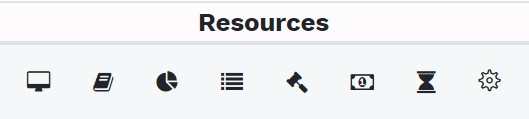
The specific resource icon for accounting periods is shown below:

Selecting the icon above will redirect to the accounting periods page. There are two standard accounting periods herein;
- standard calendar periods
- 4-4-5 quarter fiscal periods
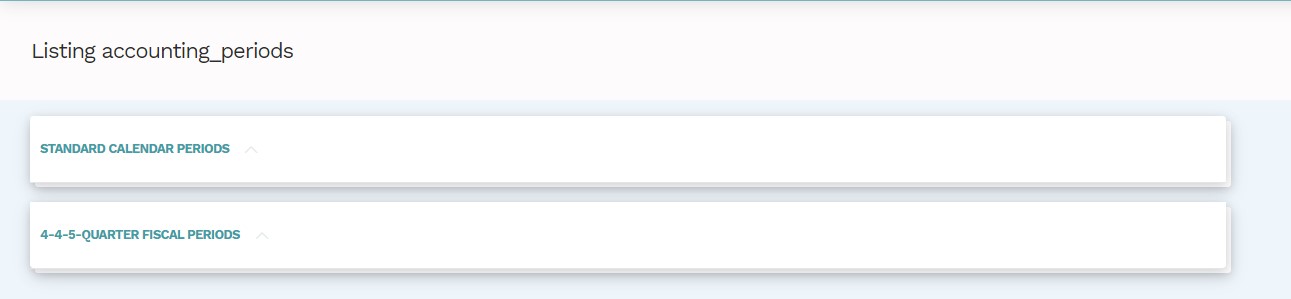 Both these fields are dropdowns. To create an accounting period, enter the start date and select "Set Periods." The new accounting periods will be created.
Note
1. Key in the date in accordance with the parameters defined in the group settings or customized
in the user settings
2. The default number of accounting years that will be created through this action is 20 years.
Comments
0 comments
Please sign in to leave a comment.