
Mondial CRx incorporates a feature called Reporting Sets. Transactions loaded into Mondial from an external source ERP can be stored by default in Mondial CRx with a transaction currency value and and a corresponding account currency value. These are typically supplied by the ERP.
In addition however, through the use of reporting sets and reporting currencies, each transaction can also be stored in any other designated currency and will be subsequently available for reporting and analysis. So, for example, a Euro transaction into an USD dominated account will be stored automatically with a transaction value and an account value, but this same transaction can also be stored with values in say CAD, JPY and AUS. As the transaction is loaded into Mondial it will use the reporting currencies established here to convert the transaction from its source currency to the reporting currencies. This is an important feature within Mondial CRx and is particular useful for a company operating within a group that needs to report in local currency for its own purposes but also report in alternate currencies for reporting to the parent, or to external regulatory bodies.
Establishing reporting currencies is available under the respective company resources, from the Companies Menu
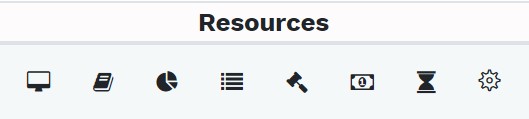
The icon for reporting currencies is:

Selecting the icon will redirect to the currencies which are available for use in the company.

To add a new currency, select the "add reporting currency"
Fill in the setup parameters shown below to create a new reporting currency for the company as well as defining the exchange rate source:
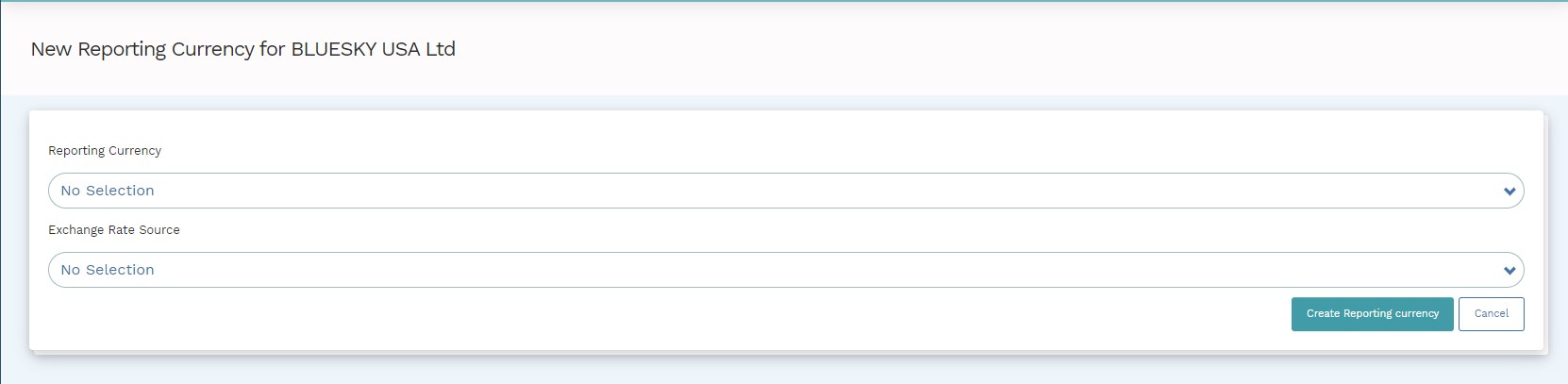
There are a number of reporting currencies that are available in the drop-down as shown below: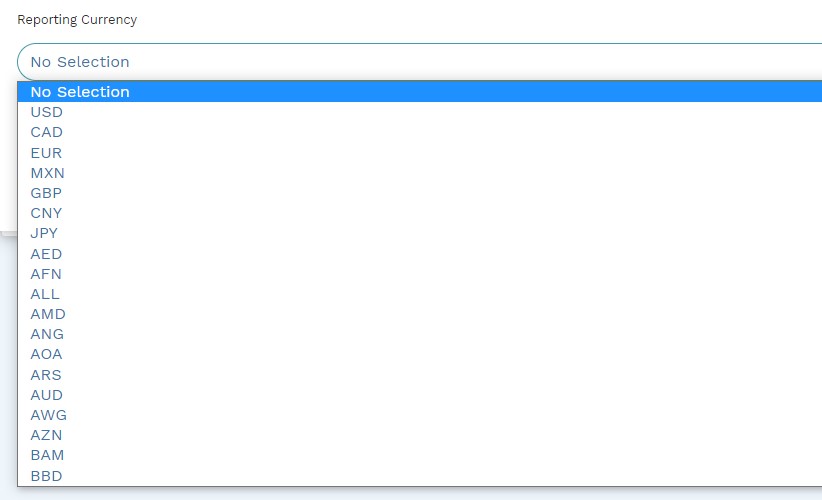
The currencies rates that are applied are retrieved from two external on line exchange rate facilities which have been linked with linked with Mondial CRx. Select the preferred exchange rate conversion source from the drop-down below:
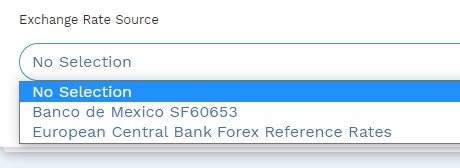
Select "Create Reporting Currency" to create a new reporting currency.
Comments
0 comments
Please sign in to leave a comment.