
The accounting period in a budget defines the amount of time which the budget will run.
Mondial CRx allows you to define the accounting period for budgets by creating standard accounting periods.
This option is available under the Budgets dropdown in Enterprise Setup.
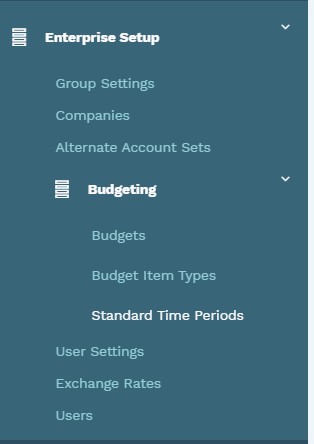
Clicking on the 'Standard Time Periods' text will redirect you to the following page: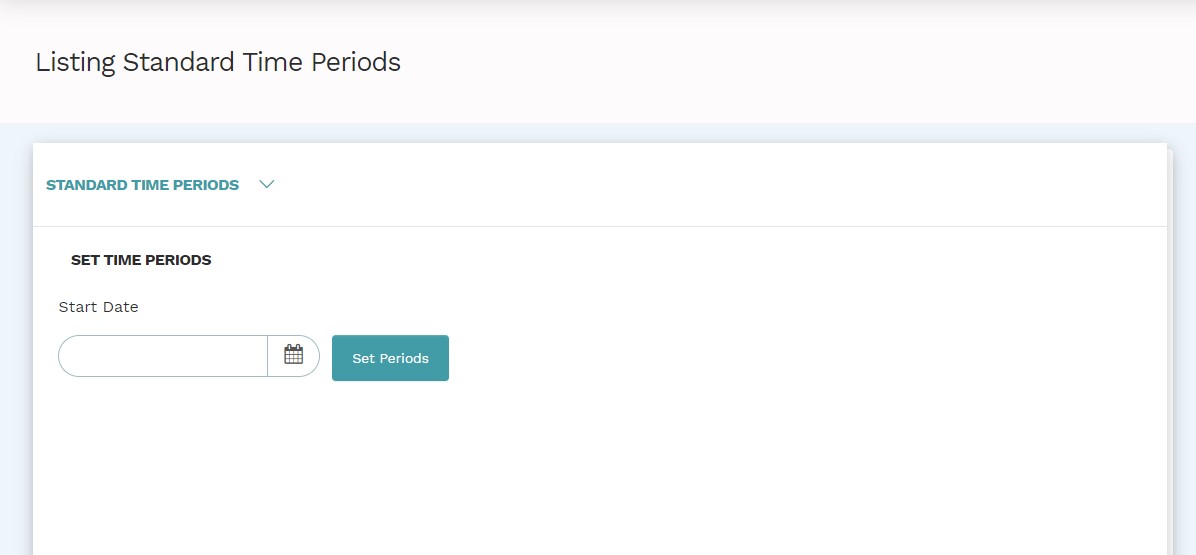
To create a period; enter the start date.
For instance, you may choose to create a time period starting from the fiscal year ending 31-12-2018. (Key in the date in accordance with the parameters defined in the group settings or customized in the user settings).
The period defined in the example above would be presented as seen below:
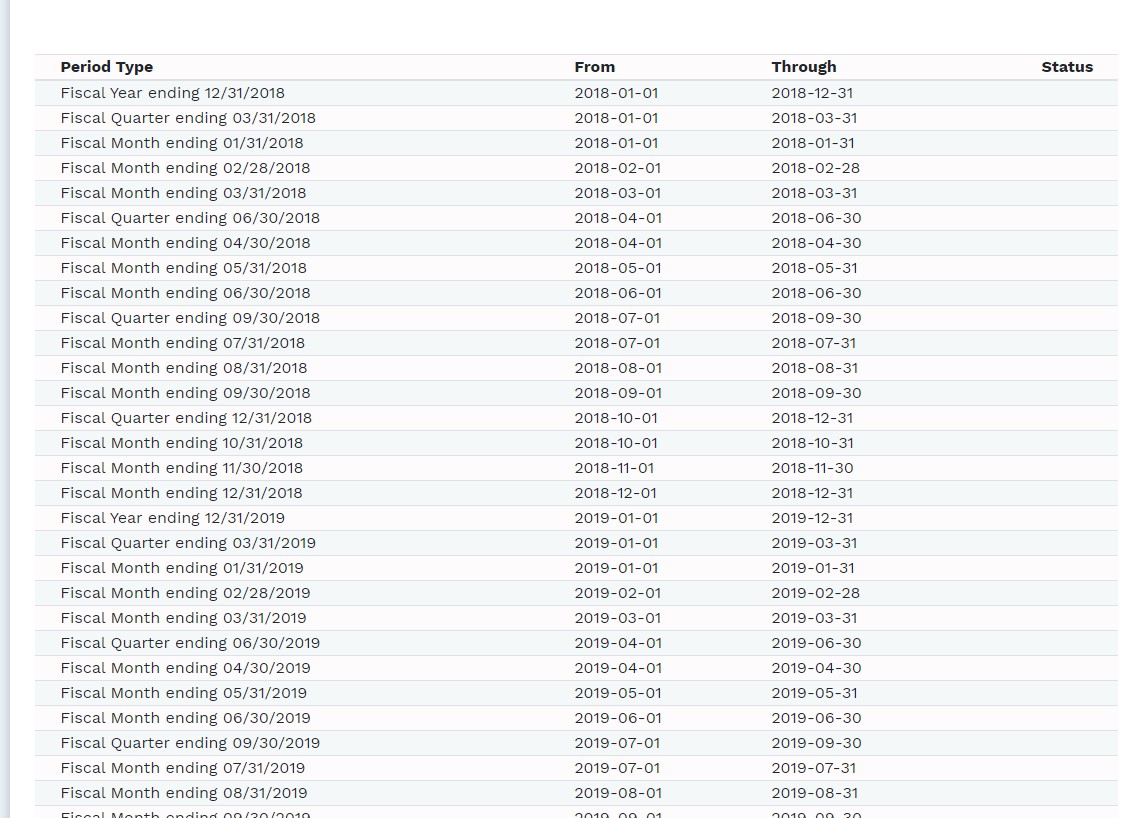
Note: The default time period in Mondial CRx is 20 years.
Comments
0 comments
Please sign in to leave a comment.