
Mondial CRx gives the end-user the ability to create reports with customized layouts and elements.
Mondial CRx has two report layout building concepts;
- Templated report building – standard preformatted layouts created within the system. The end user’s customization is limited.
- User-defined report building – here, the end-user can create a report layout suiting their individual, company or regulatory preference.
To build a report template, go to the Mondial CRx homepage.
On the left side of the Mondial CRx homepage, there are three options which are listed; reports, accounting adjustments and enterprise setup.
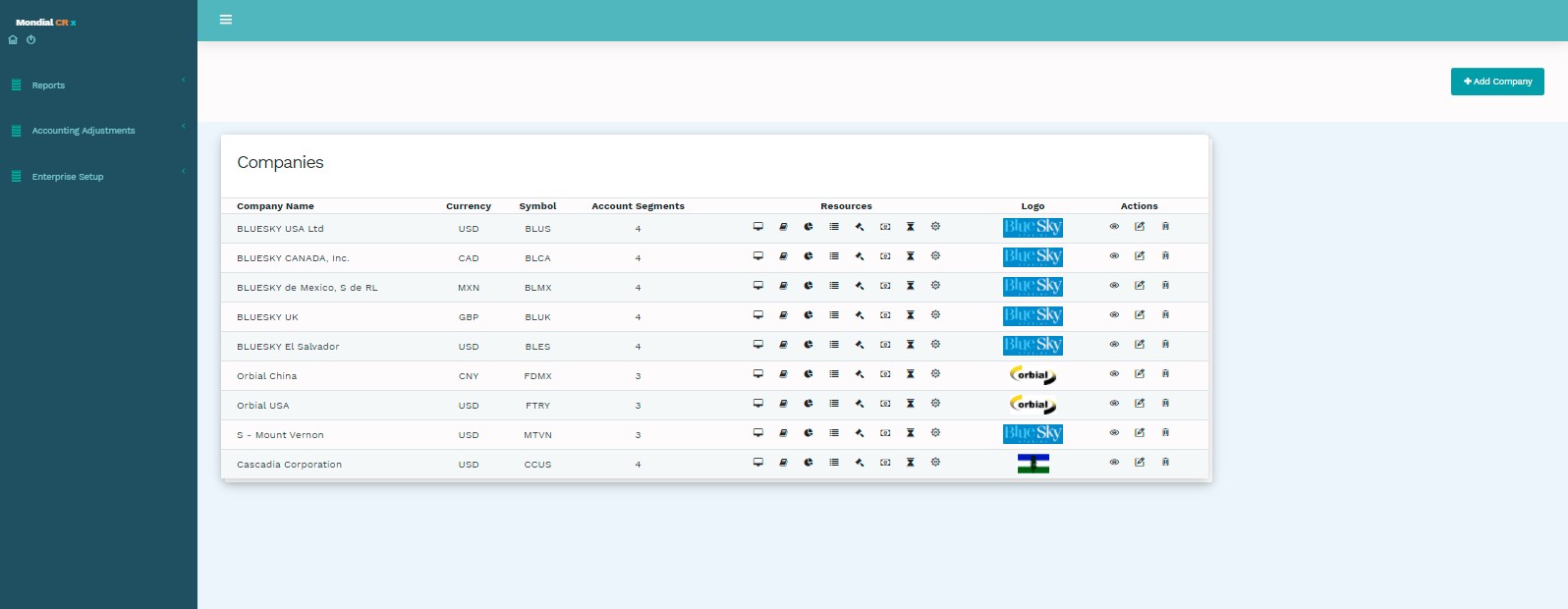
Select the first option, ‘Reports’ which gives the end-user the ability to define the layout and scope of the final reports.
Upon selecting ‘Reports’ two options appear in the drop-down; ‘Templated’ and ‘Report Writer.’
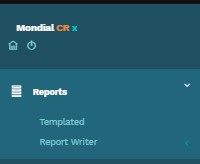
‘Templated’ presents a number of standard, system pre-formatted reports which the user can reference from. The Templated reports available here-in have pre-defined layouts and elements. The report layout and presentation stays on a pre-defined layout created within Mondial CRx and only the run-time parameters can be altered.
‘Report writer’ gives the end-user the ability to customize the report layout and final report appearance in accordance to individual company preferences.
Building a customized report layout under “Reports” in Mondial CRx involves the following FOUR key steps;
- Defining a report header.
- Defining a report footer.
- Defining a column layout for a report.
- Defining a row format for the report.
Once one set of these four elements has been established, they can be used repeatedly to build a series of report templates.
Combining these four elements above will create a report template that can be seeded with different run-time parameters to generate the desired layout in a report.
When defining these elements one of the key considerations is a “one to many” scenario, where a limited number of header, footer, column and row definitions can be used on a “mix and match” basis to fulfil most of the reporting requirements for all companies reporting through Mondial CRx.
Of course, if there should be a specific requirement for a report which needs a new header, footer column or row then these can very simply be added to the existing portfolio.
Comments
0 comments
Please sign in to leave a comment.