
The Translation Adjustments function within Mondial CRx is the hub for cumulative translation adjustment (CTA) processing. The setup for CTA, which is required prior to any data processing, is covered in the following articles:
- Cumulative Translation Adjustments - overview of set requirements
- Setting up CTA Accounts
- Companies
- Ledgers
- Assign FX Types (From within Chart of Accounts)
Within Translation Adjustments, the user can select the ledger, accounting period, and the company (or companies) to which CTA will be calculated and applied. Only companies that have been fully set up for processing are available within this option.
Translation adjustments are available under the Accounting Adjustment option on the Mondial accounting hub.
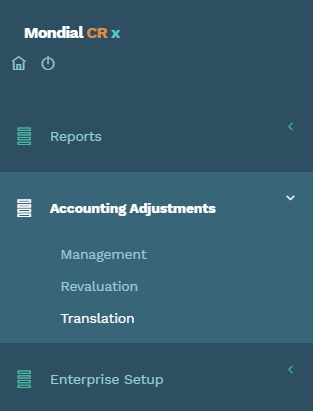
Clicking Translation from the drop-down will redirect to a setup page where a new translation adjustment can be performed.
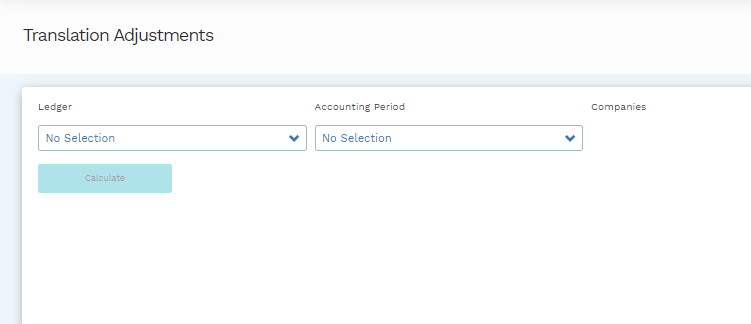
From this page, the relevant Ledger and Accounting Period are selected. Once this selection is made, all companies are displayed to the right, but only those companies that have had their CTA rules fully defined are available for processing. Those companies not meeting the setup criteria will be listed but 'greyed out' and not available for selection.
From this page, you can select available companies and continue with the processing or, alternatively, use the hyperlinks against each of the 'greyed out' companies to be redirected to the relevant setup process
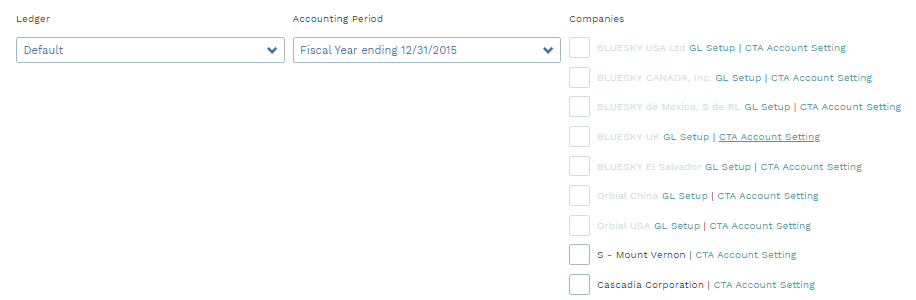
When all the settings for GL Setup and CTA Account settings for a company have been applied, you will be able to select the relevant company/companies to run a translation adjustment by clicking on the check-box associated with the company/companies.
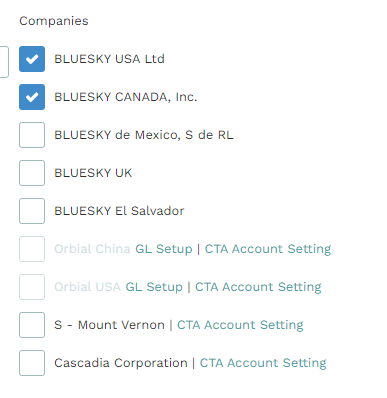
When you check the box of one or more companies from the list, the "Calculate" button will be activated and available for selection. Selection will generate a series of "template" accounting transactions which are available for review and posting, per below.
Templated and Posted Transactions
When you define the ledger and the accounting period that you want to run a translation adjustment for, a list of templated translation transactions and posted translation transactions for the ledger for the specified period will appear on the bottom of the screen.
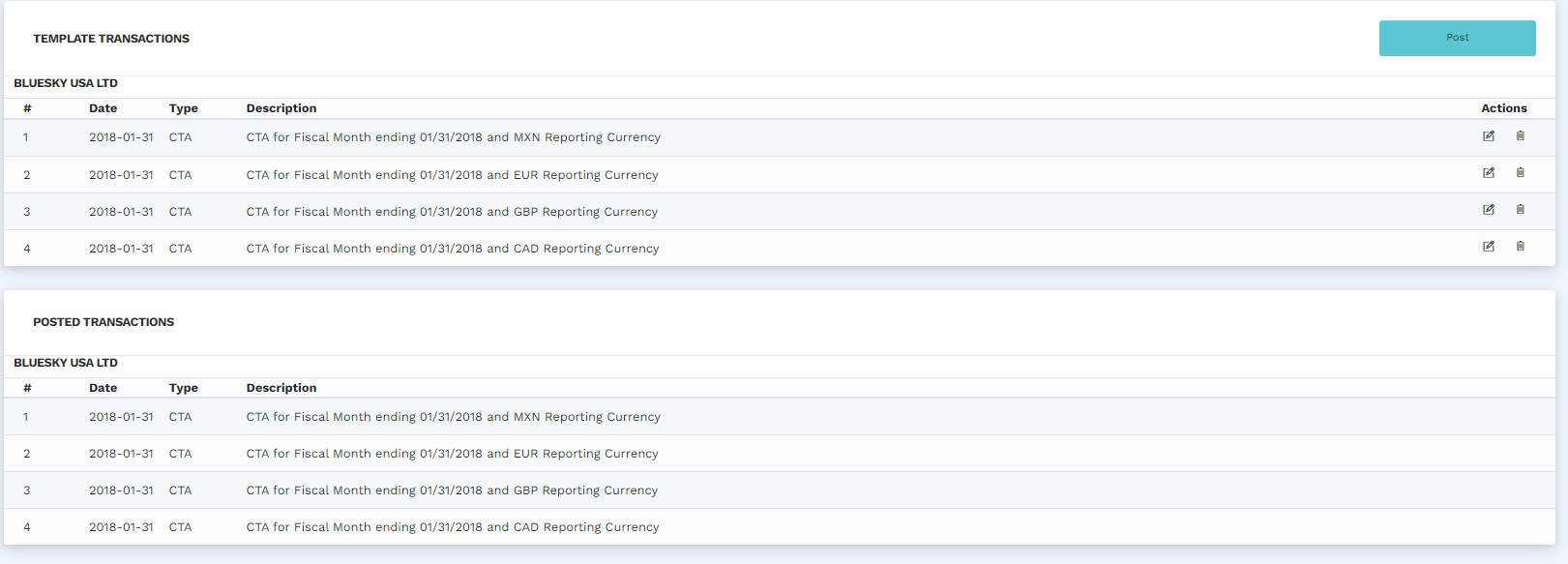
The templated transactions give you an insight into the relevant translation adjustments pulled by the system for the selected accounting period. To make them actionable in reports, you have to post them by clicking on the "Post" button on the right.
Once you click on "Post," the calculated adjustments will be posted to the ledger and consequently appear under "Posted Transactions."
You can make some changes to templated reports by clicking on the edit icon under actions or delete them by clicking on the trash bin icon.
Comments
0 comments
Please sign in to leave a comment.